
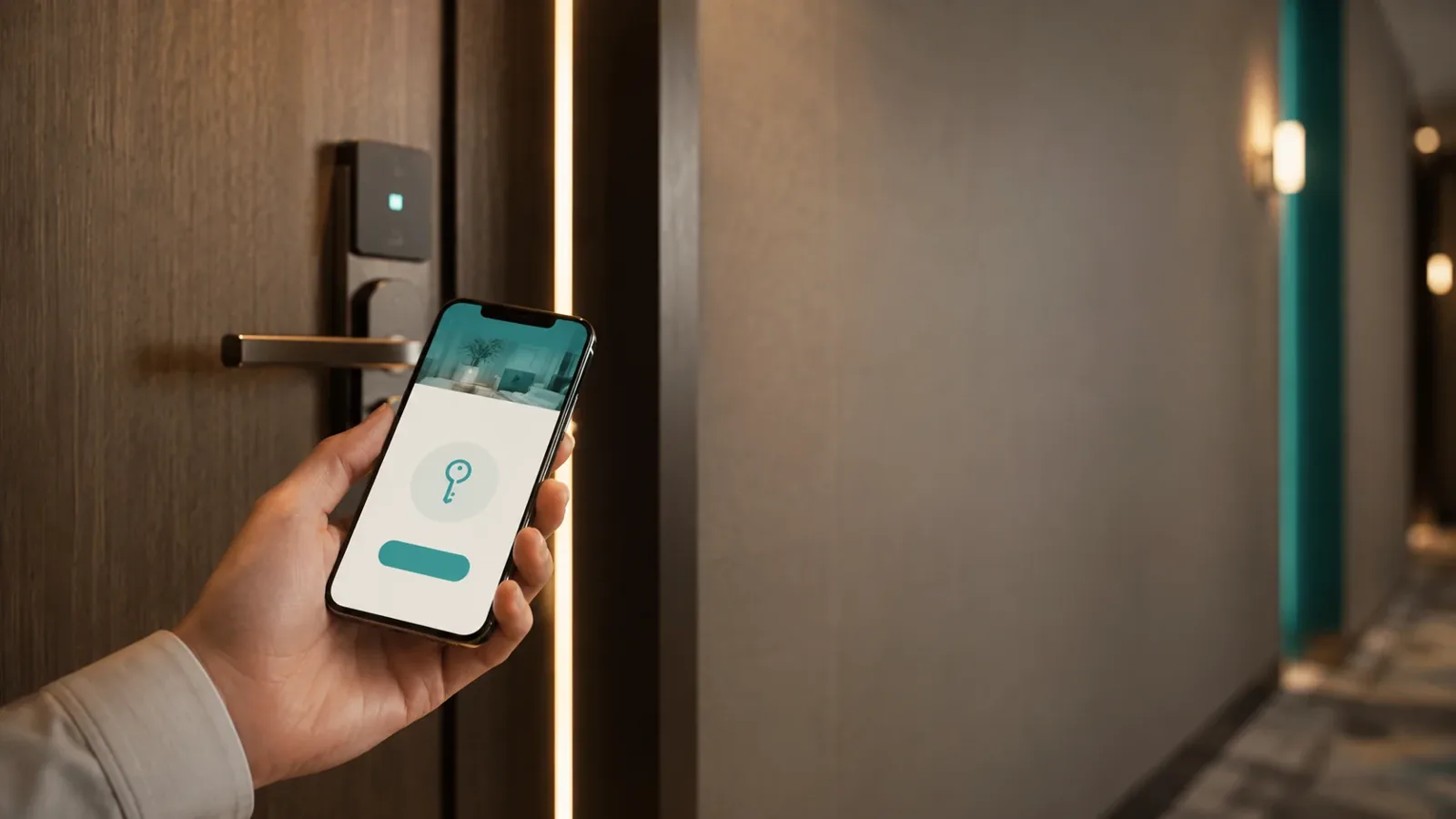
Roommatik KeyLink
A digital room key, with no app to download.
The key you send as a link. Guests get a link by email, SMS or WhatsApp, open a web page with your hotel’s branding and, from there, open their door with a tap. Nothing to install, no phone to pair.
We’ll show you the full flow, tailored to your operation. No commitment.
A room key shouldn’t tie guests to the front desk — or to an app to install
Physical keys and cards tie the guest to the front desk and the wait. Bluetooth keys only solve it halfway: they make the guest download an app and pair their phone, and many won’t for a one- or two-night stay.
KeyLink removes both: a link, an on-screen tap and the door opens. Nothing to install, nothing to pair.
How it works
From a link to an open door, in four steps
Issue the key
Create the key from your panel or via API: choose the doors, the dates and the time windows.
The guest gets a link
We send it by email, SMS or WhatsApp — or hand the link back to you to deliver yourself.
It opens a web page, no app
The link opens a page with your hotel’s branding. Nothing to download, nothing to pair.
Open the door from the screen
On the page they see every door they can access. They open it with a tap and the connected lock opens instantly.
The same link works for the whole stay and expires whenever you decide.
What makes KeyLink different
No app, no download, no pairing
Guests open from a web link, in the browser already on their phone. This is the difference from Bluetooth keys.
Expiry and time windows
Each key lives only for the stay and within the hours you define. When it’s over, it stops opening.
Instant revocation
Cancel a key at any time —by stay, by door or by guest— with nothing to collect or re-encode.
One URL, every door
Room, main entrance, garage, gym or spa: every door you can access in a single link, ready to open from the screen.
Full audit trail
Every opening is logged, door by door, so you always know who opened what and when.
Optional geofencing
If your operation needs it, require the guest to be next to the door to open it.
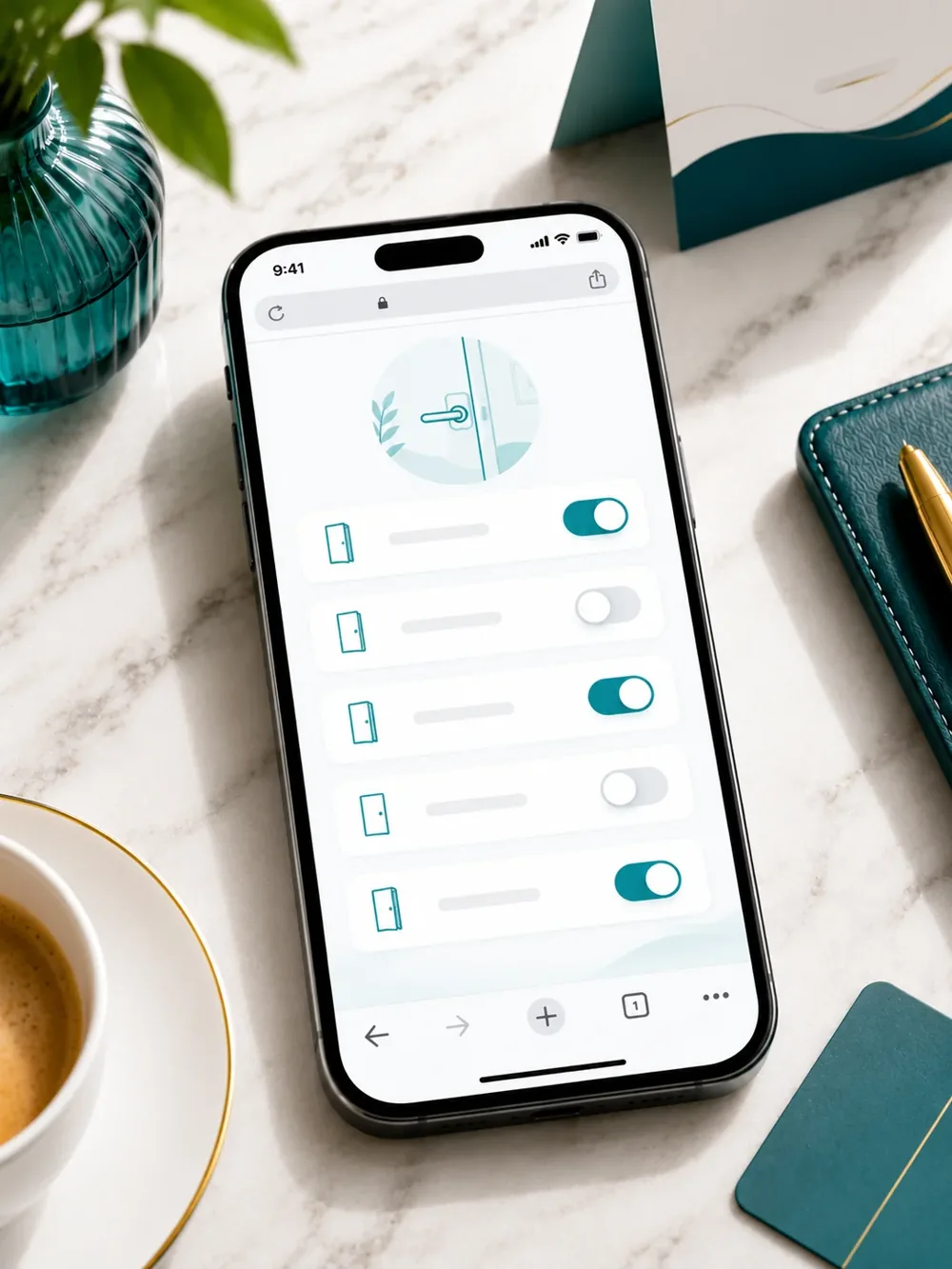
The access page
An access page with your hotel’s branding
The link opens a web page with your logo and colours, in the guest’s language. It shows only the doors they can access, each ready to open with a tap.
- Your hotel’s logo and colours
- Available in 7 languages
- Only the doors each guest can access
- Each door, ready to open with a tap
- Runs in the mobile browser, with nothing to install
For integrators
Issue keys inside any app
KeyLink is API-first: issue and deliver keys from your hotel’s app, from your chain’s online check-in, from a booking flow or from Roommatik’s own check-in. We return the link or deliver it for you.
- Key issuing and delivery via API
- We return the link or deliver it for you
- Multichannel delivery: email, SMS and WhatsApp
- Account isolation and API-key authentication
- Corporate single sign-on (SSO)
Works with your connected locks
KeyLink runs on a brand-agnostic connector layer: it sends the open command to your connected locks without making you replace what you already have. Compatible with the leading connected-lock platforms.
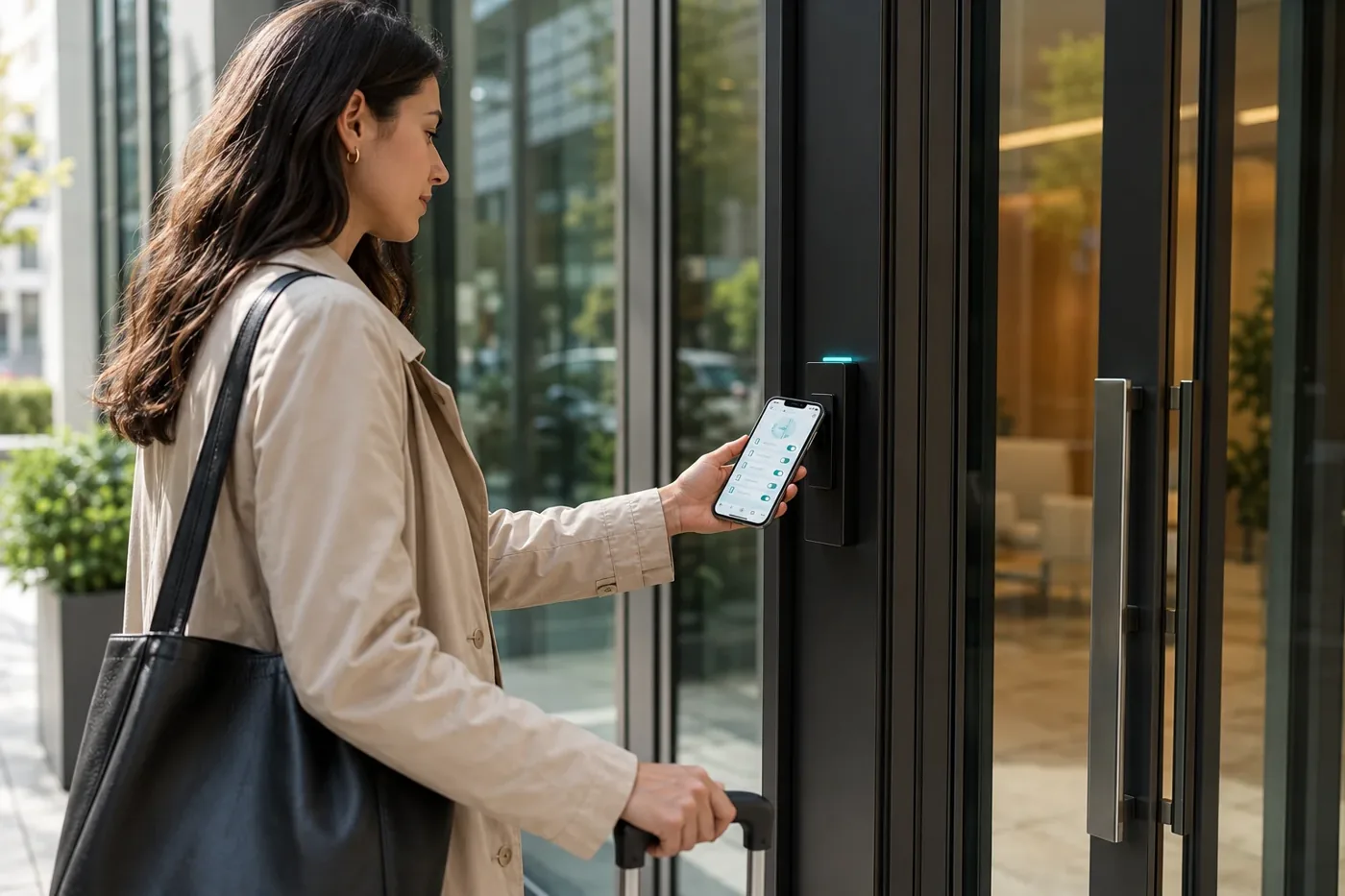
Built for your operation
- Unstaffed, 24/7 properties. Hand over access in advance and let guests walk in whenever they arrive, at any hour, with no one at the desk.
- A mobile key before arrival. Activate the key inside your online check-in and guests arrive with the door ready on their phone.
- Staff and maintenance access. Issue keys scoped by building, floor or door, with expiry and instant revocation.
What guests usually ask us before getting started
Does the guest have to install an app?
No. KeyLink opens from a web link in the mobile browser. There’s no app to download and no phone to pair.
Does it work with my locks?
Yes. KeyLink runs on the leading connected-lock platforms through a brand-agnostic connector layer. See the available integrations.
Can I issue the keys from my own app?
Yes. KeyLink is API-first: you can issue and deliver keys from your app, your online check-in or your booking flow. We return the link or deliver it for you by email, SMS or WhatsApp.
What if I need to withdraw access?
You can revoke any key instantly — by stay, by door or by guest. It stops opening immediately and the action is logged.
Which languages does the guest see?
The access page is available in 7 languages and always shows your hotel’s branding.
Send the key as a link. No app.
We'll show you KeyLink in action, with your branded access page and your connected locks, in a demo tailored to your property. No commitment.
Prefer to talk now? Call us on +34 986 262 230